THE PLAYBOOK · ZOEHERO
Learn your way around Chess Online
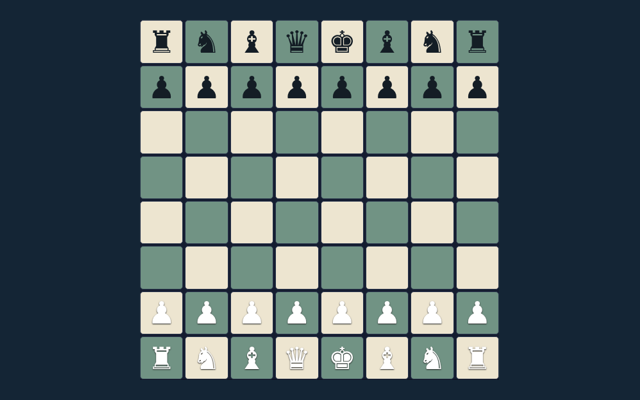
Make Chess Online your next activity in the game library. Checkmate the opposing king. Look at what changes after your first action. Begin with the local / basic computer mode shown on the page. Look at what changes after your first action.
Play on one device with a friend or against the basic computer opponent. Repetition and the fifty-move rule trigger an automatic draw here; there is no internet matchmaking or tournament clock.
Try a more deliberate round
Take enough time to read a new position. If a game has a timer, learn its controls first rather than searching for them during the round. Make the next step deliberately.
Aim for this result
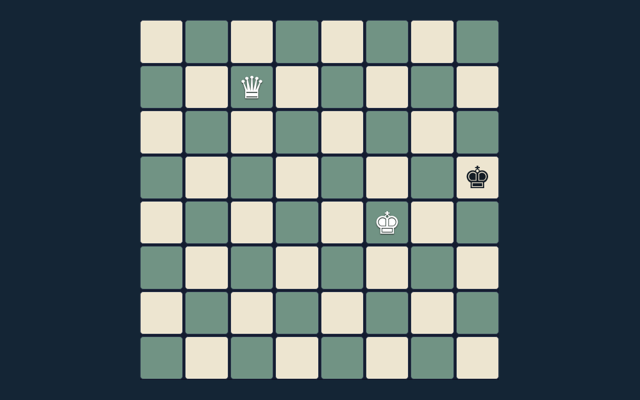
Checkmate the opposing king. The feedback beside the game helps you follow the round. Try to explain the aim in your own words.
How to proceed
- Select local play or basic computer.
- Choose a piece and a legal target.
- Castling, en passant and promotion obey king-safety rules.
- Use the promotion selector before moving to the last rank.
- Undo or New game restarts play.
Using the playing area
Tap a piece and target; choose a promotion piece when needed. Use the control method described here for this activity. Look at the feedback after the action.
A useful example
Castling cannot pass through an attacked square. Compare this with the rule that governs the move. Choose a deliberate next step.
A common point of confusion
The computer is a small search opponent, not a rated engine. Read the feedback to see why an action did not have the expected result. When a decision goes wrong, compare it with the common mistake described below. Start again only when you intend to leave the current round.
More answers before you play
For my first round, what is the goal of Chess Online?
Keep this in mind: Checkmate the opposing king.
For a quick reminder, how do I control Chess Online?
For clarity: Tap a piece and target; choose a promotion piece when needed.
When I return, what example helps explain Chess Online?
Keep this in mind: Castling cannot pass through an attacked square.
On this playing page, what should I watch out for in Chess Online?
For clarity: The computer is a small search opponent, not a rated engine.
Before I begin, what format does Chess Online offer?
Play on one device with a friend or against the basic computer opponent. Repetition and the fifty-move rule trigger an automatic draw here; there is no internet matchmaking or tournament clock.
When I return, which play mode does Chess Online use?
Here is the relevant explanation: The mode on this page is Local / basic computer. Same-device play uses one screen; this game library does not provide internet matchmaking.